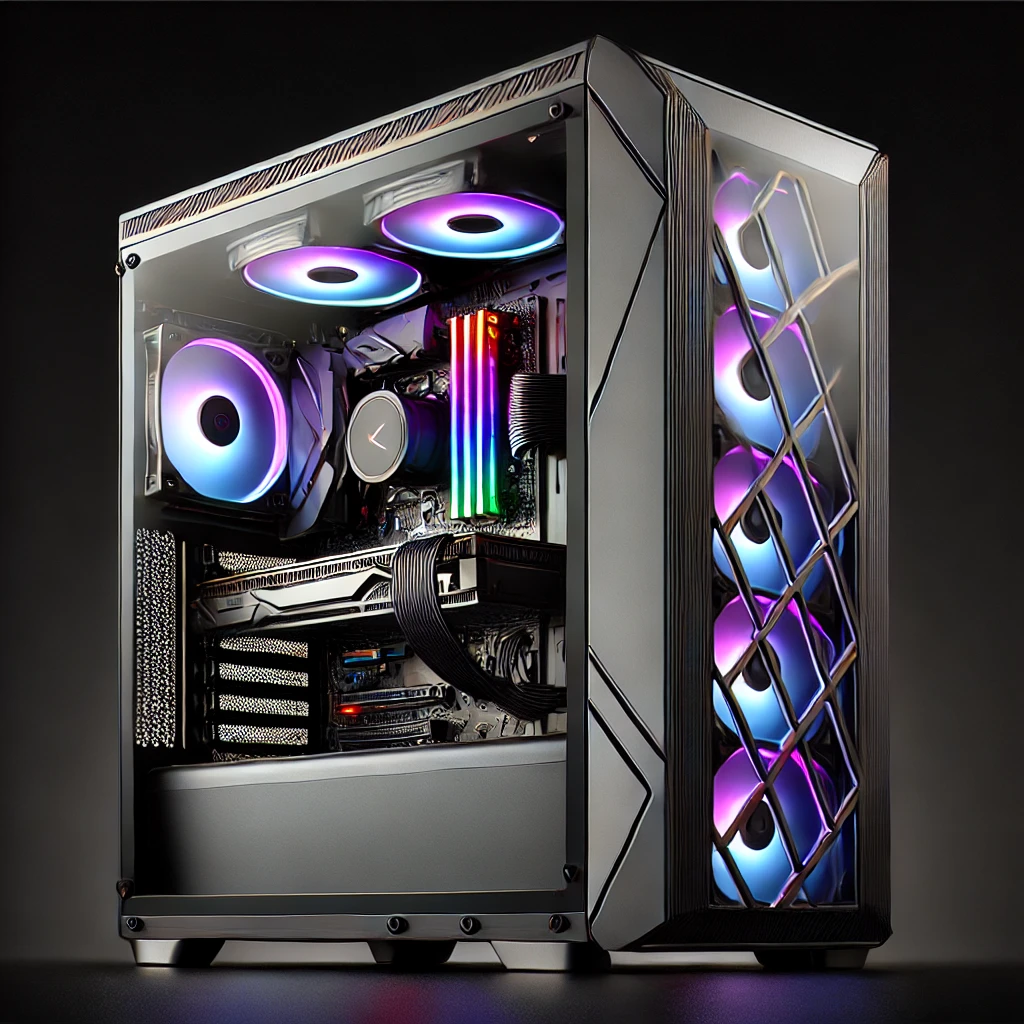


Graphics card spec sheets read like they were written to be confusing. They weren’t — it’s just a lot of shorthand that makes sense once someone explains it once. So here it is, once, in plain English.
VRAM (Video Memory)
This is the card’s own dedicated memory, separate from your system RAM. It’s used to store textures, frame buffers, and other data the GPU needs quick access to. More VRAM matters more at higher resolutions and with texture-heavy games — 8GB is a reasonable modern floor, 12–16GB gives you real breathing room, and content creators working with large files often want more still.
Clock Speed
Measured in MHz, this is roughly how fast the core can process instructions. Higher is generally faster, but clock speed alone doesn’t tell you much — it’s only meaningful compared within the same generation and architecture. A higher clock on an older card won’t beat a lower clock on a newer one.

Cores (CUDA Cores / Stream Processors)
NVIDIA calls them CUDA cores, AMD calls them stream processors — same basic idea, different branding. More of them generally means more parallel processing power, which is most of what a GPU actually does.
Ray Tracing
A rendering technique that simulates how light actually behaves — reflections, shadows, and lighting that respond realistically to the scene. It looks great, but it’s demanding, which is why it’s usually paired with:
DLSS / FSR (Upscaling)
NVIDIA’s DLSS and AMD’s FSR render a game at a lower internal resolution and use AI-assisted upscaling to output a sharper image at a fraction of the performance cost. As of 2026, NVIDIA’s DLSS 4 also supports multi-frame generation — inserting AI-generated frames between rendered ones for a smoother feel. AMD’s FSR 4 is a genuine step up in image quality over earlier FSR versions, currently native to their newest cards.
Cooling Design
Broadly two types: open-air coolers (multiple fans, need airflow room in the case) and blower-style coolers (single fan, exhausts hot air straight out the back — better for cramped cases, usually a bit louder). Most gaming cards these days are open-air.
Ports
HDMI and DisplayPort cover almost everyone. If you’re running a high-refresh-rate or multiple monitors, check the DisplayPort version listed — older versions cap out at lower combined bandwidth.
The Bottom Line for a First Purchase
Don’t get hung up chasing the single “best” number. Match VRAM and core count to the resolution and games you actually play, make sure the cooling style suits your case, and check the ports match your monitor. If you’d rather skip the research entirely, that’s what we’re here for — drop by or book a consult and we’ll match a card to what you actually need, not just what’s on special.