
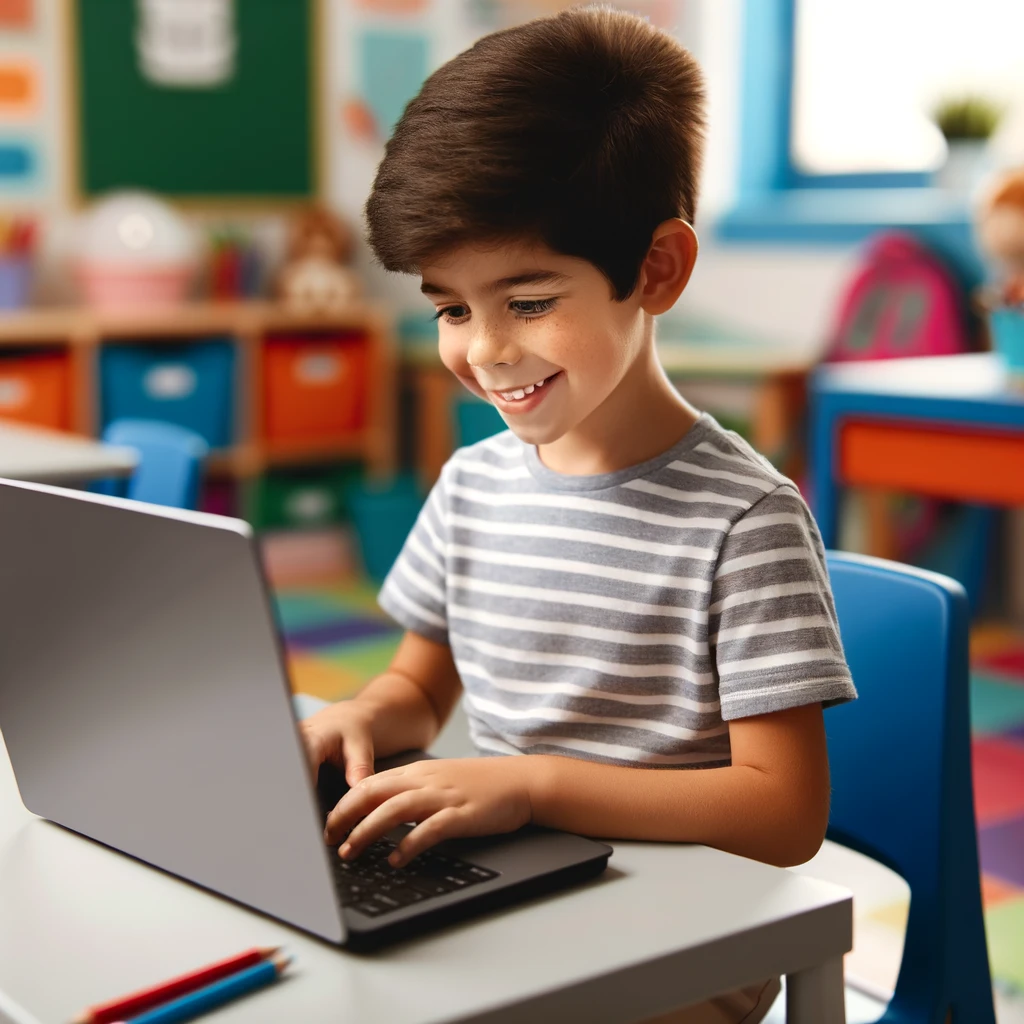
A laptop for a younger child is a genuinely different purchase than one for a teenager or an adult — the priorities flip almost entirely. Here’s what we’d actually tell a parent standing in the shop.
Durability Comes First, Not Last
Kids drop things. Laptops for younger children get knocked off desks, sat on, and occasionally have drinks spilled near them — it’s not a maybe, it’s a when. Look for a sturdy build, a spill-resistant keyboard if you can find one at your budget, and honestly, don’t overspend on a premium laptop that’ll get the same treatment as a budget one.
You Don’t Need Much Power
Primary-school tasks — typing practice, educational software, browsing approved sites, the occasional video call — don’t need a powerful processor or a lot of RAM. This is one purchase where spending less on raw performance and more on build quality and safety features is the right trade-off.

Parental Controls Matter More Than Specs
Whatever you buy, set up proper parental controls and content filtering before your child ever opens a browser unsupervised. Windows has built-in family safety features; Chromebooks have Family Link. This matters more than any spec on the box.
Consider a Chromebook
For genuinely young kids, a Chromebook is often the right call — cheap, simple, hard to break in ways that cost real money to fix, and built-in content controls. Save the full Windows laptop for when their needs actually grow into it.
Budget for Growth, Not Perfection
Kids outgrow devices — both physically (bigger hands, more demanding schoolwork) and in terms of what they need it for. Buying a modest, durable laptop now and upgrading in a few years usually makes more sense than overspending on something built to last a decade.
We Can Help You Pick
We see a lot of these come through for repairs, so we’ve got a good read on what actually holds up and what doesn’t. Come in and tell us your child’s age and what they’ll be using it for — we’ll point you at something that’ll survive the experience.