
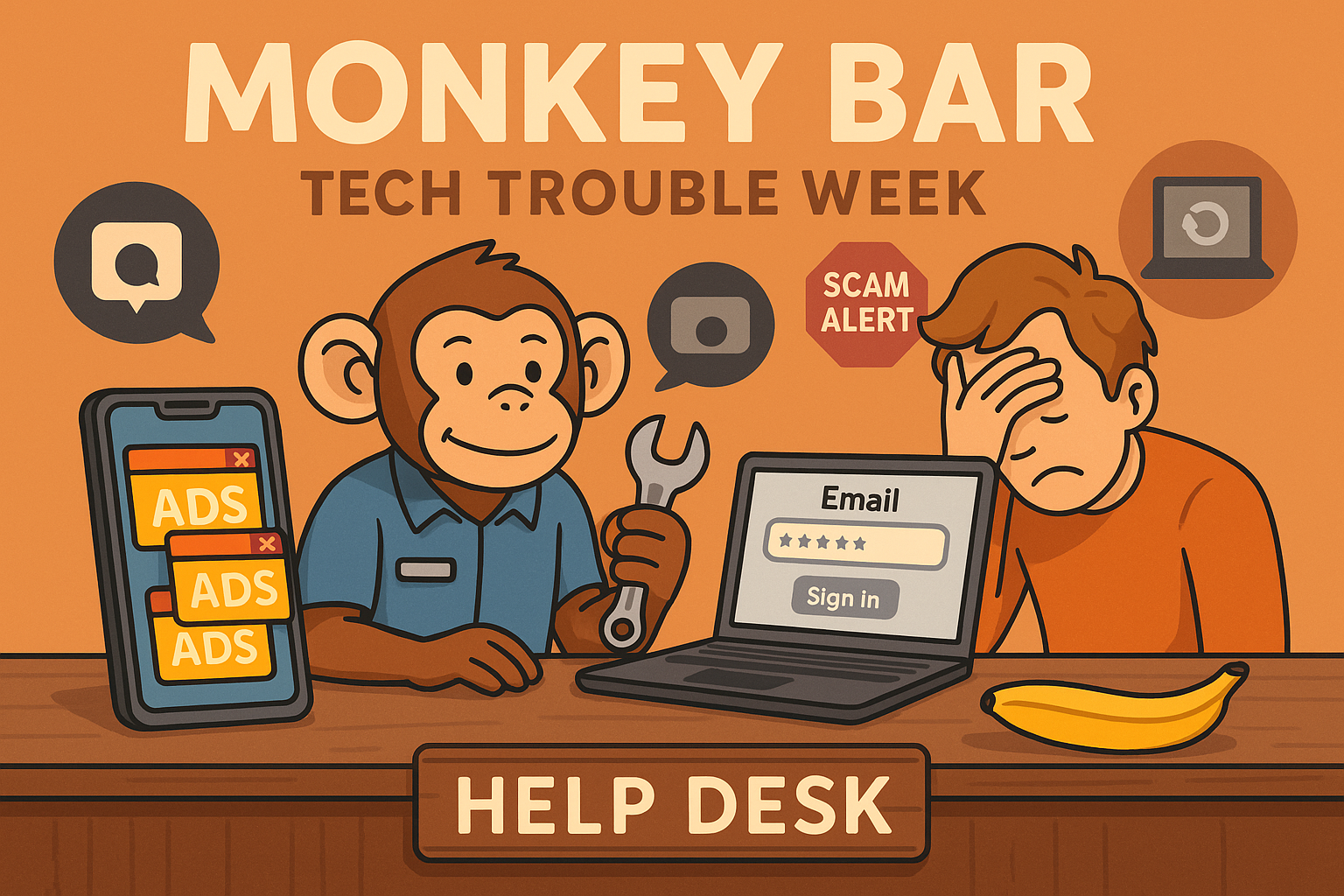
Welcome to another episode of Tales from the Monkey Bar, where we pull back the curtain on what’s been going wrong (and getting fixed) at our Lithgow help desk.
Our mission? To fix tech problems, share knowledge, and help folks out—even if they’re nowhere near 85 Main Street, Lithgow. Because tech support isn’t just about making money—it’s about making people feel confident with their devices.
🧾 This Week’s Scorecard
- 📱 4 Phones cleaned of stealthy adware
- 🔐 1 Email password headache resolved
- 🍏 1 MacBook saved with a single reboot
- 🔌 3 Phones restored with simple charge port cleaning
🕵️♂️ New Adware Trick: Hiding in Plain Sight
This week, we caught something very sneaky—a new behaviour from Android adware. Usually, popup ads happen randomly or during startup, but this time?

Ads only appeared when opening social media apps like Facebook, Snapchat, and Gmail.
We’re not talking suspicious cleaning apps or shady PDF readers—this was tied to normal, everyday apps.
So what’s going on?
Turns out, one dodgy game app had installed an overlay that hijacked the icons for these social media apps. So when you tapped Facebook, it launched the ad first, then opened the real app. Sneaky, right?
💡 Tech Tip: If your ads only appear when using a specific app, check recently installed games or utilities. Delete anything that seems off.
I didn’t have time to capture the rogue app for testing—it was all hands on deck for the customer. But I’ll be watching for this trick again.
🔐 Password Problems (It’s Not Always What You Think)
Forgetting your password is common. Heck, I use a password manager because even I can’t remember 400 different strings of random letters and numbers. But what if…
You’re sure the password is right… and it still doesn’t work?
Here’s what might be happening:
- 🕵️♂️ Your password is floating around the dark web and someone used it on your account.
- 🧓 You’re using an outdated email app that no longer meets current security standards.
- ⌨️ Your Shift key is stuck (yes, seriously).
- 🤷 You actually did forget the password. Happens 90% of the time.
This week, we helped a customer walk through a full password reset. But here’s the hard truth:
We can’t reset your account for you. We don’t work for Telstra, Gmail, or Facebook.
All we can do is guide you through the steps. Customers often get frustrated by this, but it’s a security measure to protect your identity.
We always explain:
- We’re here to help, but you need to follow the steps.
- You’re paying us for guidance, not access.
- You can try it at home for free if you’re confident (and patient!).
🍏 The One-Button Mac Fix
This one took me back to my AppleCare days.
A customer’s MacBook refused to install software updates. After some checks, I tried an old classic:
🔄 Reset the PRAM by rebooting while holding
Command + Option + P + R.
Boom. Issue fixed.
The customer was thrilled. Paid the minimum $10, then tipped another $10. Legends.
🔌 Dusty Charge Ports = No Charging
We see this all the time. Charging ports clogged with lint, dirt, or pocket fluff. It’s a super easy fix—we always do this for free.
What frustrates us? Seeing other places charge $20–$60 to do the same thing, or worse: they replace the entire charging port when it’s not necessary.
⚠️ Bending the tiny pins inside the port can permanently damage the phone. If that happens? You’re looking at a $200–$250 repair.
Our advice? Don’t jam anything into the port. Bring it to us—we’ve got the tools (and the patience).
🧠 Tech Tip of the Week
If your phone is acting up—ads, charging issues, or mysterious logins—come see us at the Monkey Bar.
No appointments needed (for now), and we’ll always be honest about whether it’s a quick fix or a deeper issue.
📍 Visit us at 85 Main Street, Lithgow
🧰 Learn more: https://lithgeek.com/we-can-help-you-with-your-computer-or-phone