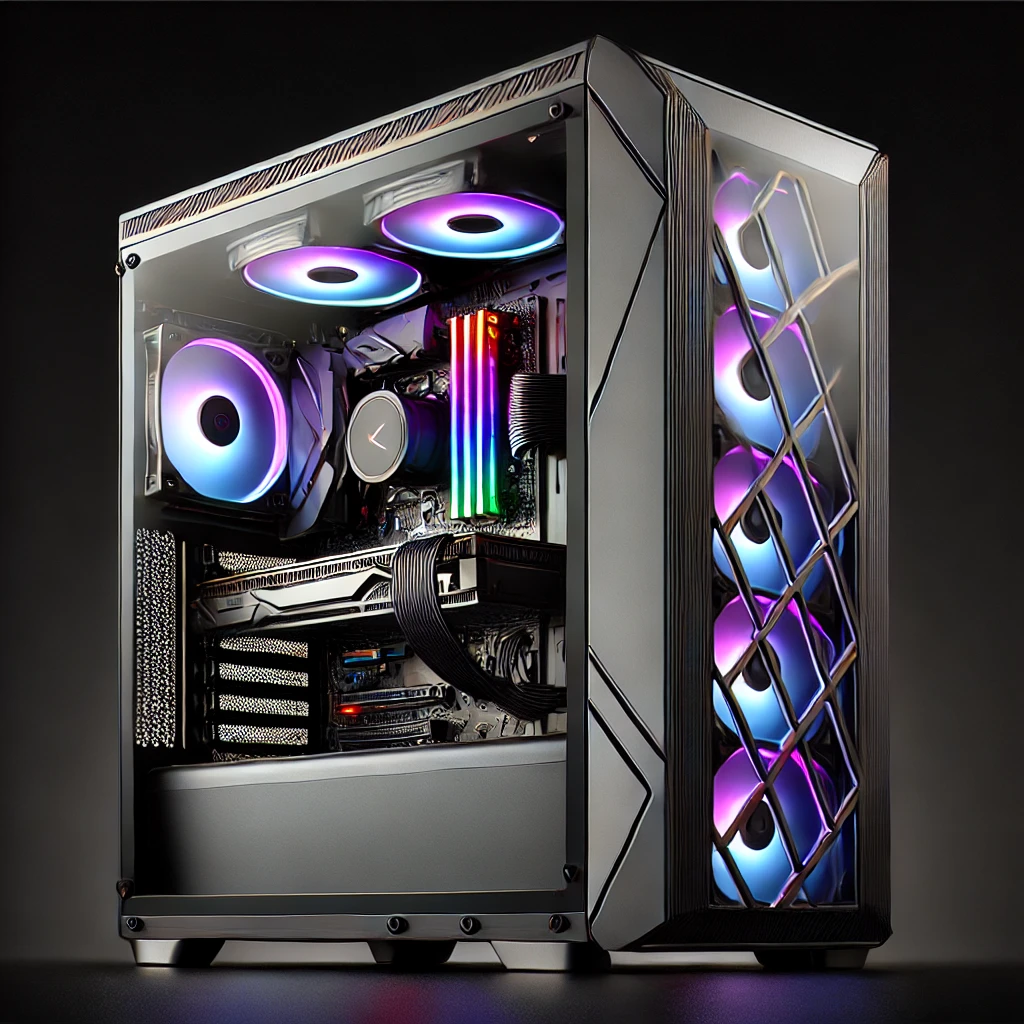

If you’ve been looking at a mini PC or an Intel NUC and wondering whether it’s a “real” computer or some kind of compromise, it’s worth clearing that up first: it’s the exact same computer, just built into a case the size of a paperback book instead of a tower that eats half your desk. For a busy office or a senior who’d rather not have a beige box humming under the desk, that difference matters more than any spec sheet.
Why businesses are switching to mini PCs
Desk space is the obvious win — a mini PC either sits flat next to the monitor or mounts straight onto the back of it with a VESA bracket, so it disappears entirely. For an office fitting out several workstations, that adds up: tidier desks, easier cabling, and a lot less dust collecting in a tower’s fan intake.
They also run cooler and quieter than a full tower, which matters in a shared office, and they draw noticeably less power — a small but real saving when you’re running a fleet of them rather than just one. For everyday business work — email, browsers, spreadsheets, video calls, point-of-sale and accounting software — a modern mini PC has plenty of headroom. Where they’re not the right fit is heavy video editing, CAD, or serious gaming; for that, a proper tower with room to breathe (and a dedicated graphics card) is still the better tool, and that’s a different conversation we’re always happy to have.

“But will it be harder to use?” — No, and here’s why
This is the question that stops a lot of people, especially if a tower is the only kind of computer you’ve ever known, and it’s worth answering plainly: a smaller case changes nothing about how you actually use the computer. Same screen. Same keyboard and mouse. Same Windows desktop, same icons, same everything you already know how to do. The only thing that’s different is the box you never really look at anyway.
If anything, a lot of our senior customers find a mini PC set up on the desk less intimidating than a tower — there’s less “stuff,” fewer cables, and nothing looming next to your knees. We set every one up completely before it leaves the shop: your programs installed, your files moved over from the old machine, and a proper walkthrough so you know exactly where everything is before you take it home.
If you’d like a bit more hands-on confidence afterwards, we also run one-on-one personal tech training and classes specifically for seniors, and you can always walk in to the Monkey Bar help desk without booking anything if something comes up later. Nobody gets handed a new computer here and left to figure it out alone.

What you actually get
- The same everyday computer — web, email, video calls, office software, photos — just in a case a fraction of the size.
- A tidier desk — sits beside the monitor or mounts flat on the back of it, out of sight and out of the way.
- Quieter, cooler, and cheaper to run — noticeably less fan noise and lower power draw than a tower.
- A full setup before you take it home — programs installed, files transferred, and everything explained in person.
- Support that doesn’t end at the door — training sessions, senior classes, and walk-in help whenever you need it.
Whether it’s one desk or a whole office
We fit out everything from a single senior’s home desk to a small business replacing a row of ageing towers — matched to whatever budget you’re working with, not whatever happens to be on special that week. If you’re anywhere across Lithgow, Katoomba and the Blue Mountains, or Bathurst, come in and tell us what the computer actually needs to do day to day, and we’ll tell you honestly whether a mini PC is the right call — or if it isn’t.
Get in touch or drop by 85 Main Street, Lithgow, and we’ll talk it through in plain English.
Setting one up? Our cable guide covers the HDMI, DisplayPort and USB-C connections you’ll likely need. If you’d rather go bigger, see our custom PC builder guide instead.